How it works
From card activation to a ready profile. Everything in one simple, visual flow.
Buy a card
Price: ¥2,000 (charged in USD at checkout, automatic conversion).
Buy while logged in or as a guest.
Enter or select shipping address and proceed to payment (Stripe).
After payment, the order is recorded and admins are notified.
Track your orders in your account (pending, paid, etc.).
Activate the card
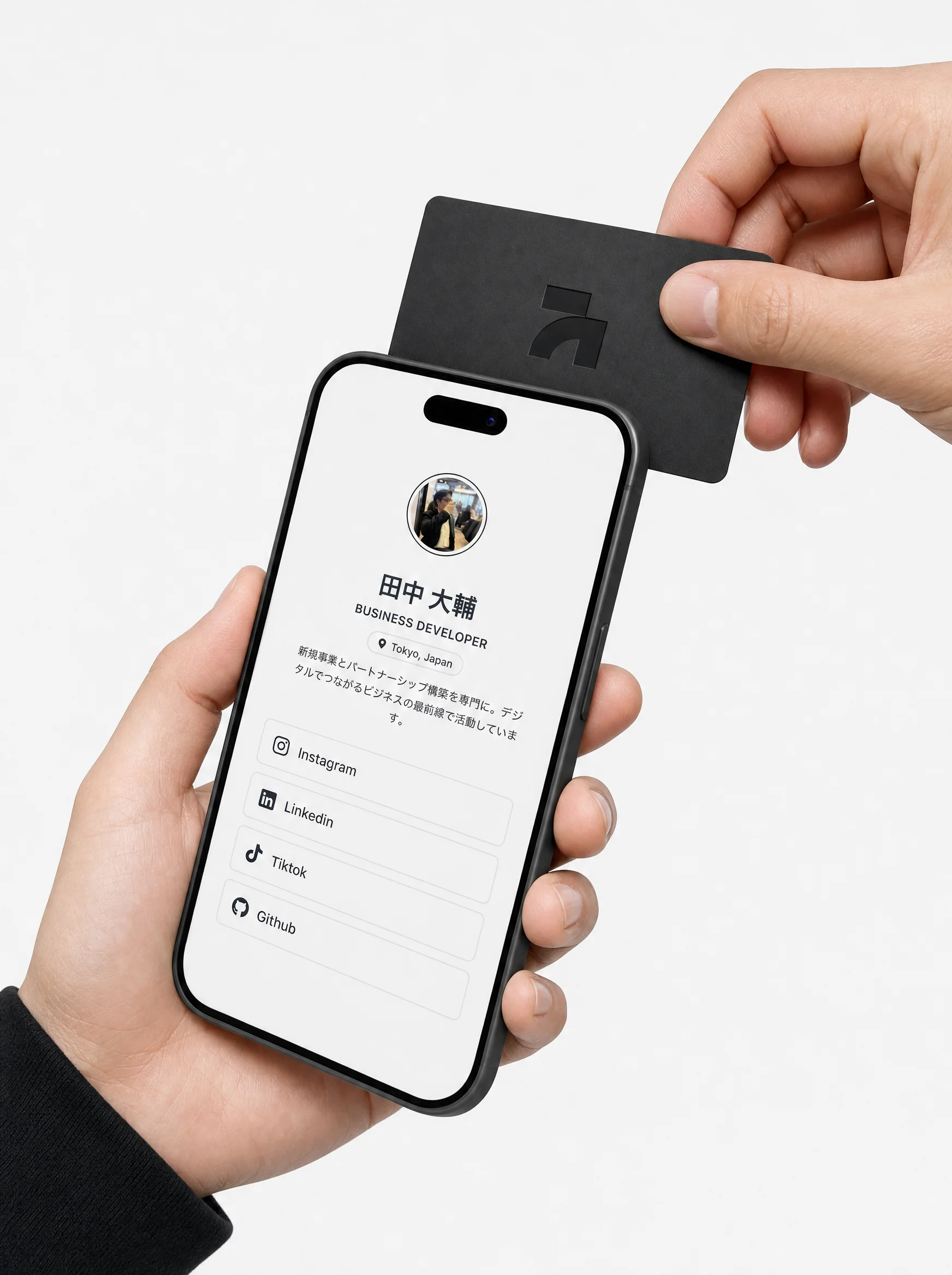
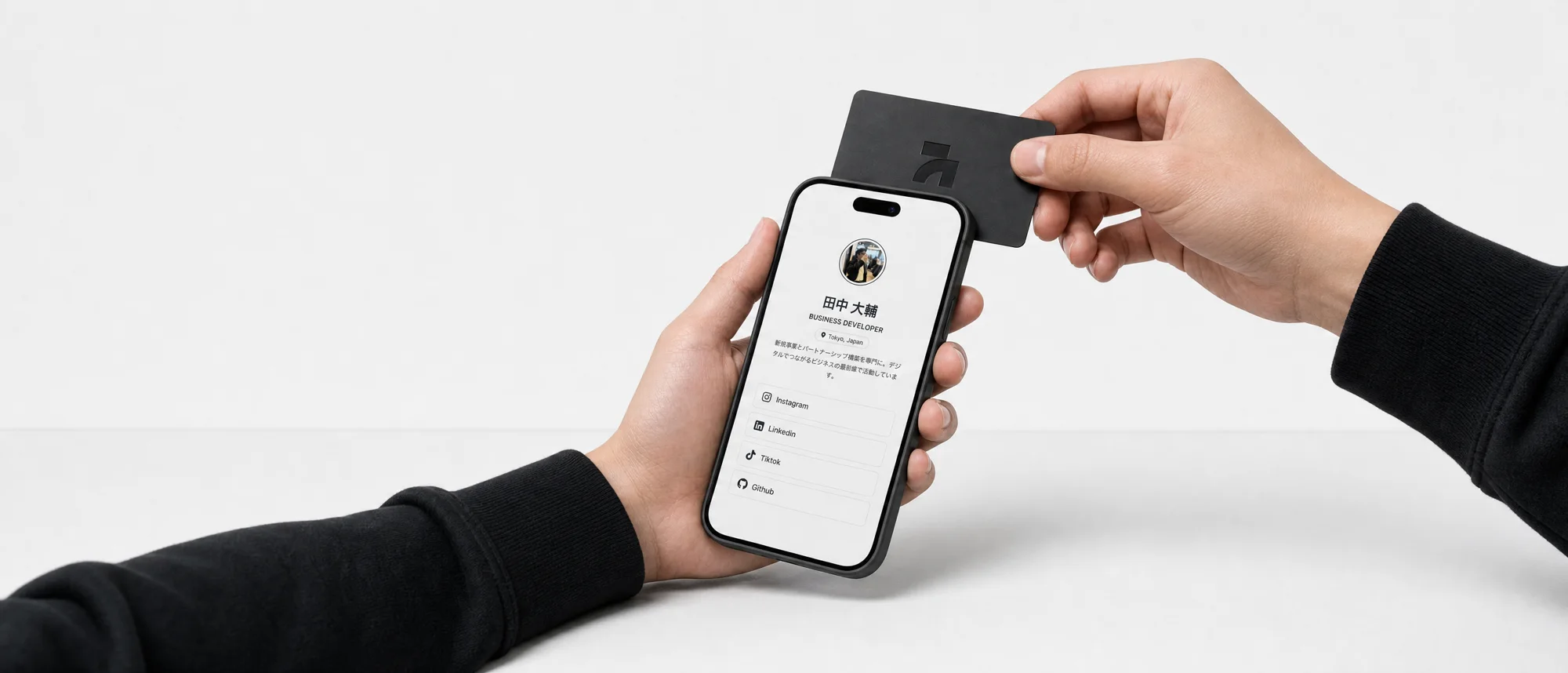
Tap the NFC card to your phone and the card link opens automatically.
If the card is not yet activated: sign in (existing account) or create account (new user).
New user: register with email and password (or Google). The card is activated and linked to the account.
Existing user: sign in and associate the card. It becomes activated.
Choose a custom profile address (e.g. myname), becomes site.com/myname.
Go to the dashboard to edit your profile.
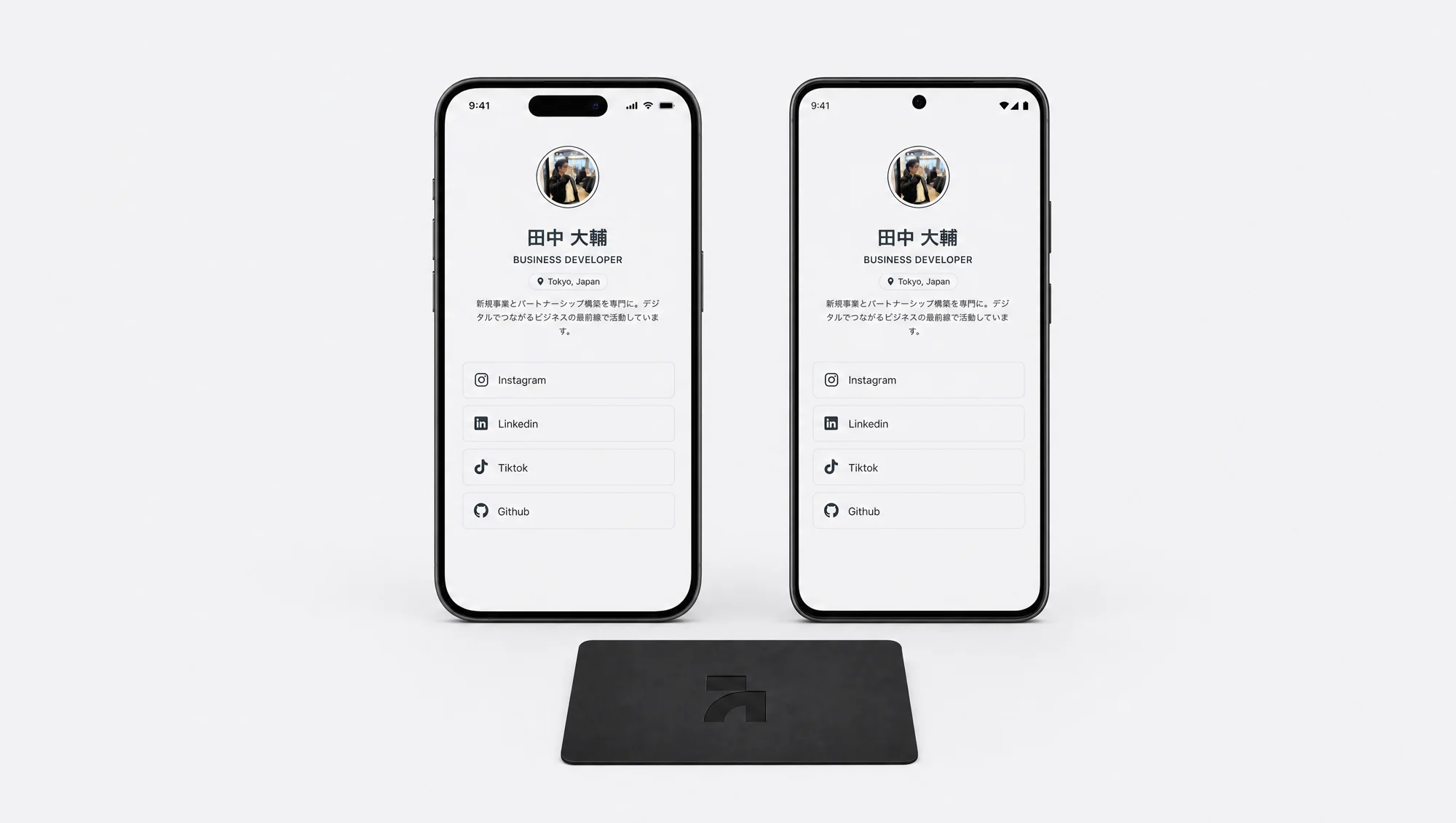
Next time someone taps the card, the public profile opens directly.
Build your profile (dashboard)
Profile type: Personal or Business. Business adds: life/career summary, company block, posts.
Basic info: name, photo, banner, occupation, bio, location, phone.
Social links: one list for Instagram, Facebook, site, email, WhatsApp, etc. Multiple accounts of same type.
Addresses (Business only): multiple addresses with names (e.g. Office 1, HQ).
Visual: choose layout and colors. Upload logo and life/career photo (Business profile).
Everything you save appears on the public profile when someone taps the card.
Order chat
Each order has a chat: client and admin exchange messages about that order only.
Client sends questions (e.g. "When will my card ship?"). Admins get notified.
Admin opens the chat in the panel, replies, and can mark as read.
Admin sees all orders and can open the chat for any of them.
Customize your layout
Choose from premium layouts and customize every detail so your digital identity is truly unique.
Customization
100% PERSONALIZABLE
Visual
PIXEL PERFECT
Buy the card on the site → tap to your phone and activate (register or login) → build your profile in the dashboard (links, addresses, layout) → next tap shows your public profile. Questions are answered in the order chat.
Need help with your order?
Questions about your order, shipping, payment or the card? Don't have an account? Send us a message with your order number or email and we'll get back to you soon.